What are USDZ files and why are they so awesome?
Last month, Apple released updates for Keynote, Pages, and Numbers which included support for USDZ files. Let's explore what these files are, and how they can bring your content to the next level.
So, what exactly are USDZ files? Developed by Apple and Pixar back in 2018, USDZ (Universal Scene Description Zip) files are your digital treasure chests for all things 3D. Think of them as your tickets to a magical world, best experienced on Apple devices like iPhones and iPads, where they supercharge your reality with awesome augmented reality.
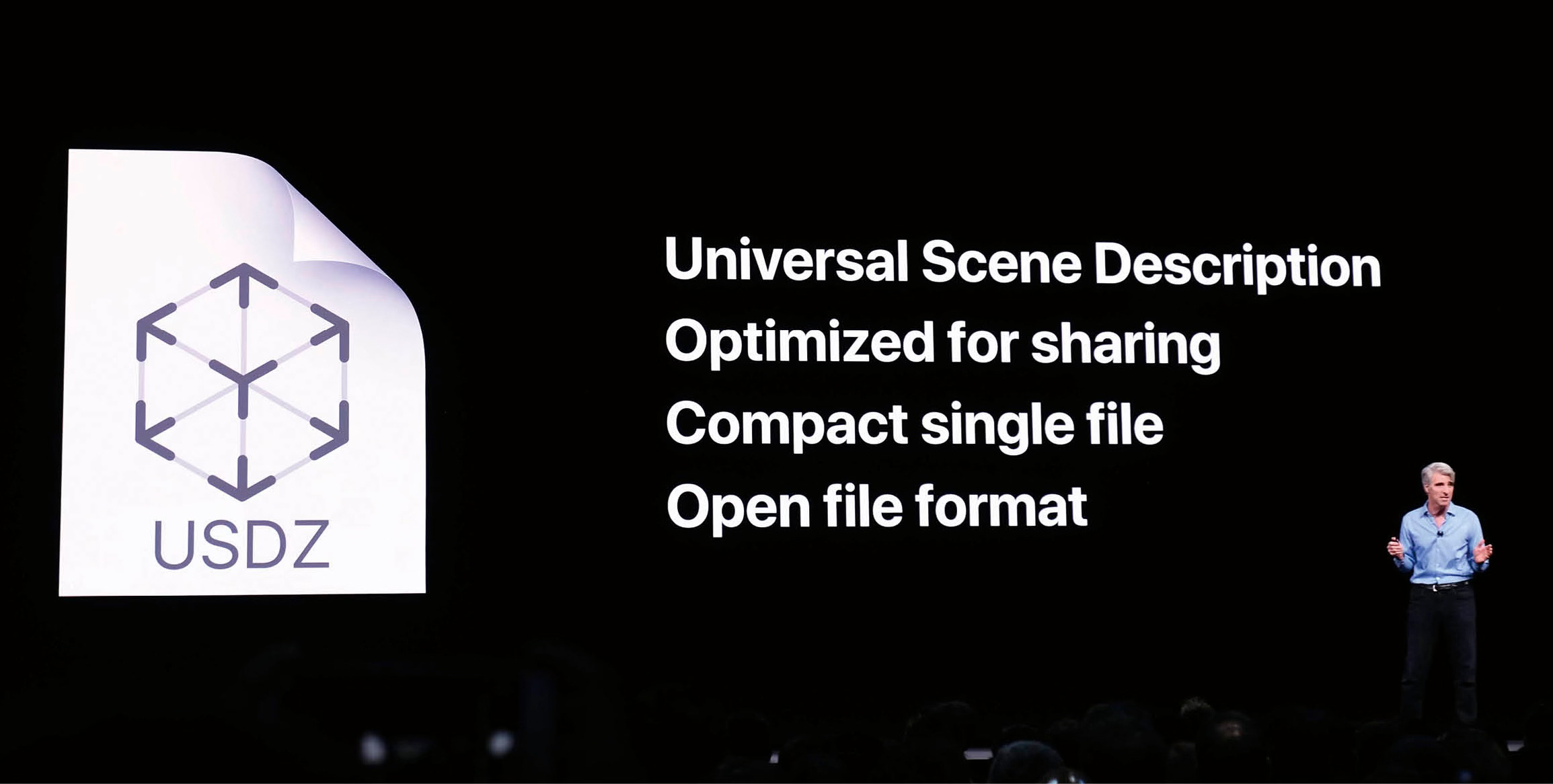
Their mission? To elegantly store and showcase 3D models, animations, and AR wonders in a way that's small, efficient, and works seamlessly across different platforms. It's like bringing a slice of the future right into your hands.
Here's the lowdown:
1. Apple's Thing: Think of USDZ as Apple's special format. It's perfect for AR stuff and works like a charm on iPhones and iPads.
2. 3D Models: Inside these files, you'll find 3D models. They can be fancy and detailed, making things look real in AR.
3. Textures: You've got textures in there too. These make your 3D objects look nice and pretty, like wrapping paper on a gift.
4. Animations: If you want your 3D things to move or dance, no problem! USDZ can store animations, so you can make things lively.
5. Interaction: You can add buttons or triggers to USDZ files. This makes AR experiences fun and interactive, like playing a game in the real world.
6. Size Matters: They're small, which is great for mobile devices. You don't want a huge file taking up all your storage, right?
7. Everywhere: While Apple started USDZ, it's not stuck there. Some other software, including Adobe Apps, can also use USDZ files, and more and more platforms are announcing integration and support.
8. How to Make Them: If you're feeling creative, you can create USDZ files with apps like Reality Composer or Vectary or convert other 3D files to USDZ. Lots of options!
9. Showtime: To see your USDZ magic, just open it on an Apple device with AR Quick Look, Safari, Mail, iMessage, Notes or dozens of other cool apps.
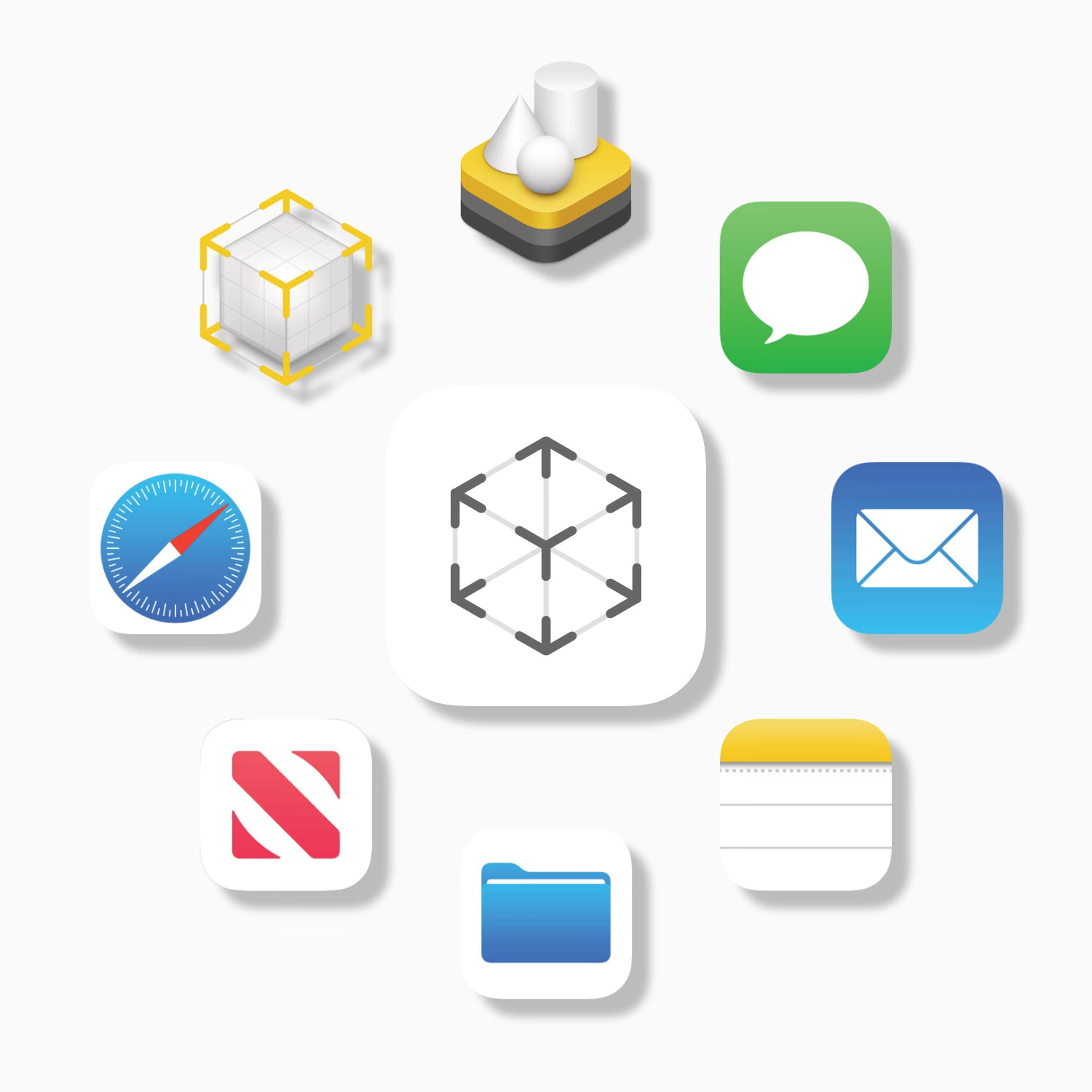
So, in a nutshell, USDZ files are your ticket to 3D awesomeness in the Apple AR world. They're small, interactive, and ready to make your digital life more exciting.
Using USDZ files in Productivity Apps
USDZ files can be imported into Keynote, Numbers, Pages files, and Freeform boards the same way you would insert a photo or video. Once inserted, you can do different things with them.
For example, in Keynote, you can duplicate slides with USDZ files, changing their size, position, and orientation on each slide, and then adding Magic Move transitions to create fluid animations. Check out this quick tutorial video to get started.
Insert USDZ files into a Freeform board to allow collaborators and viewers to quickly see the augmented reality view.
Where can I get free USDZ files?
Of course you can make your own USDZ files using tools like Reality Composer, however there are also more and more files available for free online. Here are some great sites to get you started (when necessary, the links will take you to filtered searches for only USDZ file types that are free of cost).
USDZ Share (https://usdzshare.com)
AR QuickLook (https://developer.apple.com/augmented-reality/quick-look/)
TurboSquid (https://www.turbosquid.com/Search/3D-Models/free/usdz)
Sketchfab (https://sketchfab.com/tags/usdz)
CGTrader (https://www.cgtrader.com/3d-models?file_types[]=127&free=1)
ARCode (https://ar-code.com/blog/ar-3d-models)
I have also put together a few Keynote decks with collections of USDZ files already inserted and ready to work with. Feel free to grab them and begin exploring.
One more thing…
As you scour the Internet for free, high-quality USDZ files, you will find that there are tons of readily available 3D files that only come in other formats (ie. OBJ, STL, FBX, etc). These all have different uses and were created in different manners. Before you skip these on your USDZ quest however, be aware that Apple just recently released a free Mac app called Reality Converter which quickly and easily converts a variety of 3D files to USDZ, opening up a huge number of available files for use in iOS and Mac apps. Go and grab Reality Converter for free from the Apple Developers website.

I’m super excited to continue to explore the amazing content that can be created with USDZ files. Be sure to share your ideas and resources in the comments below!